
Install Omairc
Install the current Omairc release for your platform, then launch the window once before following the connection guide.
Omarchy and Arch-based Linux
Section titled “Omarchy and Arch-based Linux”Omarchy Edge
Section titled “Omarchy Edge”Omairc is an official Omarchy package on the Edge channel. The package is built against that channel’s Qt, and upgrades arrive with the usual Omarchy package updates:
omarchy pkg add omaircExpected result: omairc is installed from Omarchy’s package set.
Omarchy stable, Omarchy rc, and other Arch-based systems
Section titled “Omarchy stable, Omarchy rc, and other Arch-based systems”The official package stays on the Edge channel until the next Omarchy release. On Omarchy stable, Omarchy rc, Arch Linux, Manjaro, and EndeavourOS, use the installer. It requires pacman and sudo. Run it as your regular user, not as root:
curl -fsSL https://raw.githubusercontent.com/fredimachado/omairc/main/install.sh | shThe script adds an [omairc] repository to /etc/pacman.conf and installs the omairc package from the latest GitHub release. It is safe to run again: an existing repository entry is not duplicated and Omairc is upgraded to the latest release. The same script is also a release asset:
curl -fsSL https://github.com/fredimachado/omairc/releases/latest/download/install.sh | shYou can also download omairc-*.pkg.tar.zst from the latest GitHub release and install that exact file:
sudo pacman -U omairc-*.pkg.tar.zstExpected result: pacman reports that omairc is installed.
Launch
Section titled “Launch”Launch Omairc from the application menu or run:
omaircExpected result: the Omairc window opens. On a first run, the Connect sheet cannot be dismissed until a profile has been created.
Update
Section titled “Update”On Omarchy Edge, update Omairc with the usual Omarchy package updates.
If you installed from the [omairc] repository, update through pacman:
sudo pacman -Sy omaircTerminal client
Section titled “Terminal client”omairc-tui is a separate terminal client on the same releases:
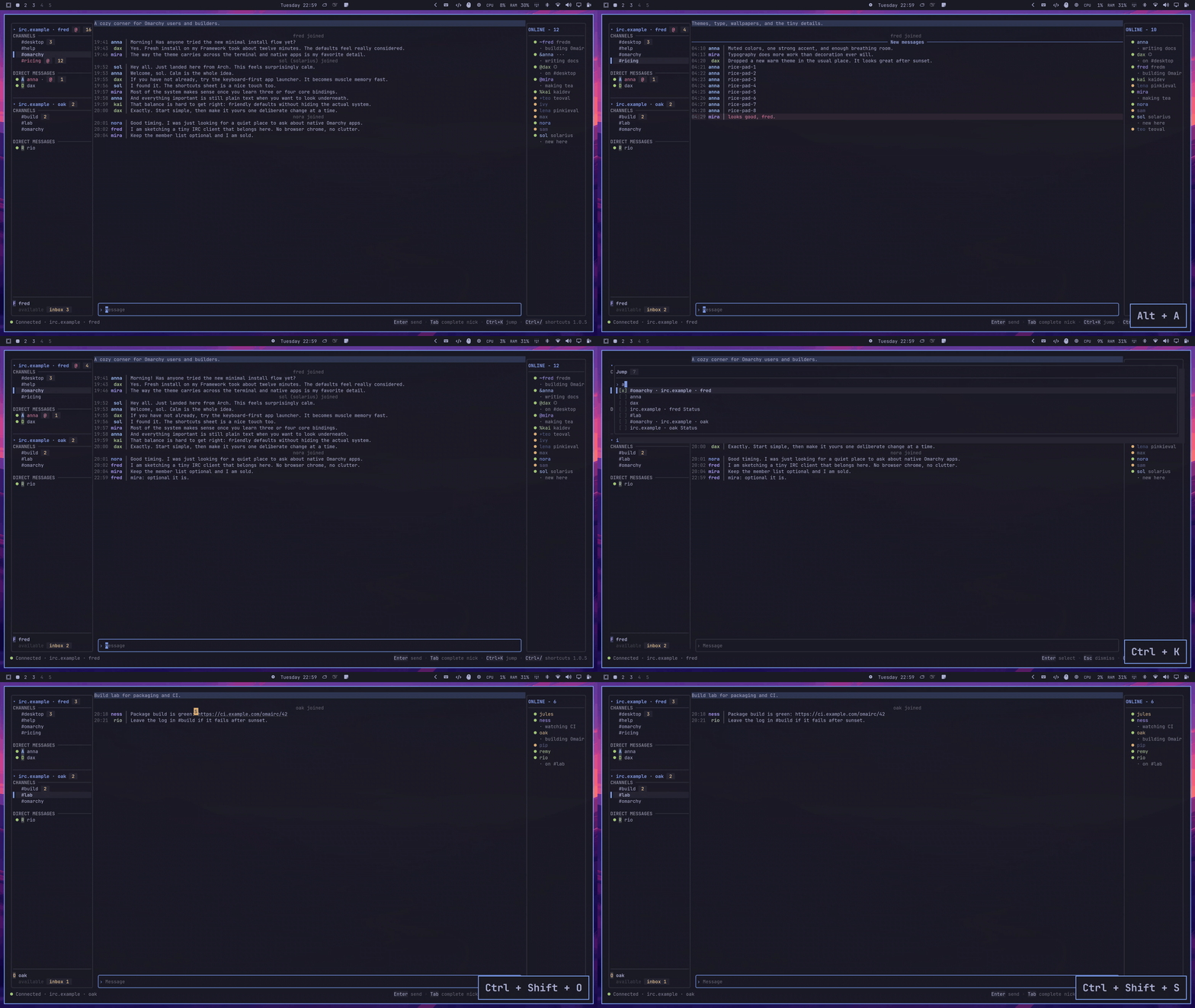
On Linux or macOS without a package manager:
curl -fsSL https://raw.githubusercontent.com/fredimachado/omairc/main/install-tui.sh | shThat installs the static binary to ~/.local/bin. The official Omarchy Edge package does not include omairc-tui. After install.sh configures the [omairc] repository, install the terminal client with sudo pacman -S omairc-tui. Windows, Homebrew, and Go installs, plus what the terminal client shares with the desktop app, are covered in Use the terminal client.
Windows 10 or later
Section titled “Windows 10 or later”- Open the latest GitHub release.
- Download
omairc-<version>-windows-x64-setup.exe. - Run the installer. Its default per-user location is
%LOCALAPPDATA%\Programs\Omairc; choosing an all-users installation uses Program Files instead. The installer adds that install directory toPATH. - Start Omairc from the Start menu.
For a portable installation, download omairc-<version>-windows-x64.zip, extract the whole archive to a writable folder, and run omairc.exe there. Keep all extracted files together.
Expected result: omairc.exe opens the Connect sheet. The native Windows build works, but Windows is not the project’s primary platform. Portal text scaling and Omarchy theme watching are not implemented on Windows. The desktop app sends native Windows notifications for mentions and direct messages; the terminal client does not notify on Windows.
Install the signed and notarized app with the repository’s Homebrew cask:
brew tap fredimachado/omairc https://github.com/fredimachado/omaircbrew install --cask fredimachado/omairc/omaircThe explicit tap URL is required because the repository is not named homebrew-omairc. The cask installs /Applications/omairc.app and a command named omairc on PATH.
You can alternatively download the matching omairc-<version>-macos-arm64.zip (Apple silicon) or omairc-<version>-macos-x64.zip (Intel) from the latest release, extract it, and move omairc.app to /Applications.
Launch the app from Applications or run:
open /Applications/omairc.appExpected result: the Omairc window opens and macOS may ask for notification permission when a notification is first needed. Profiles use the platform’s Qt application preferences and state locations; passwords use macOS Keychain.
Common installation problems
Section titled “Common installation problems”- You are on Omarchy stable or rc:
omarchy pkg add omaircinstalls the official package on the Edge channel. Useinstall.shon stable, rc, and other Arch-based systems until the next Omarchy release. - The Arch script says it needs
pacman: use it only on an Arch-based distribution. Other Linux distributions do not currently have an official binary installation path. - The Arch script refuses to run as root: rerun it as your normal account; it invokes
sudoitself. omaircis not found in a terminal after Windows setup: open a new terminal so it receives the updatedPATH, or launch Omairc from Start.omairc-tuiis not found after the portable install:install-tui.shwrites the binary to~/.local/bin; add that directory toPATHor run the binary by its full path.- A macOS ZIP does not run on your Mac: download
arm64for Apple silicon orx64for Intel, and extract the app before opening it.